
Separate four lifecycle questions before making a decision
A Surface Hub plan becomes confusing when hardware servicing, operating-system support, Teams Rooms application support and product availability are treated as one date. They are different controls. Record each one separately for every installed unit and every proposed replacement.
Microsoft's current lifecycle page states that Windows 10 Team edition support for Surface Hub 2S ended on 14 October 2025 with no extended support option. The same page lists driver and firmware servicing for Surface Hub 2S through 11 January 2027 and Surface Hub 3 through 30 December 2030. Those firmware dates do not extend the unsupported Windows 10 Team operating system.
Sales availability is another question. Confirm current regional stock, warranty and accessories through an authorised procurement route at the time of purchase; do not infer availability from a support date or a media report. For broader context, Sinoway's guide to meeting-room compute choices in 2026 explains why platform, peripherals and operational ownership must be assessed together.
Build an accurate Surface Hub 2S fleet inventory
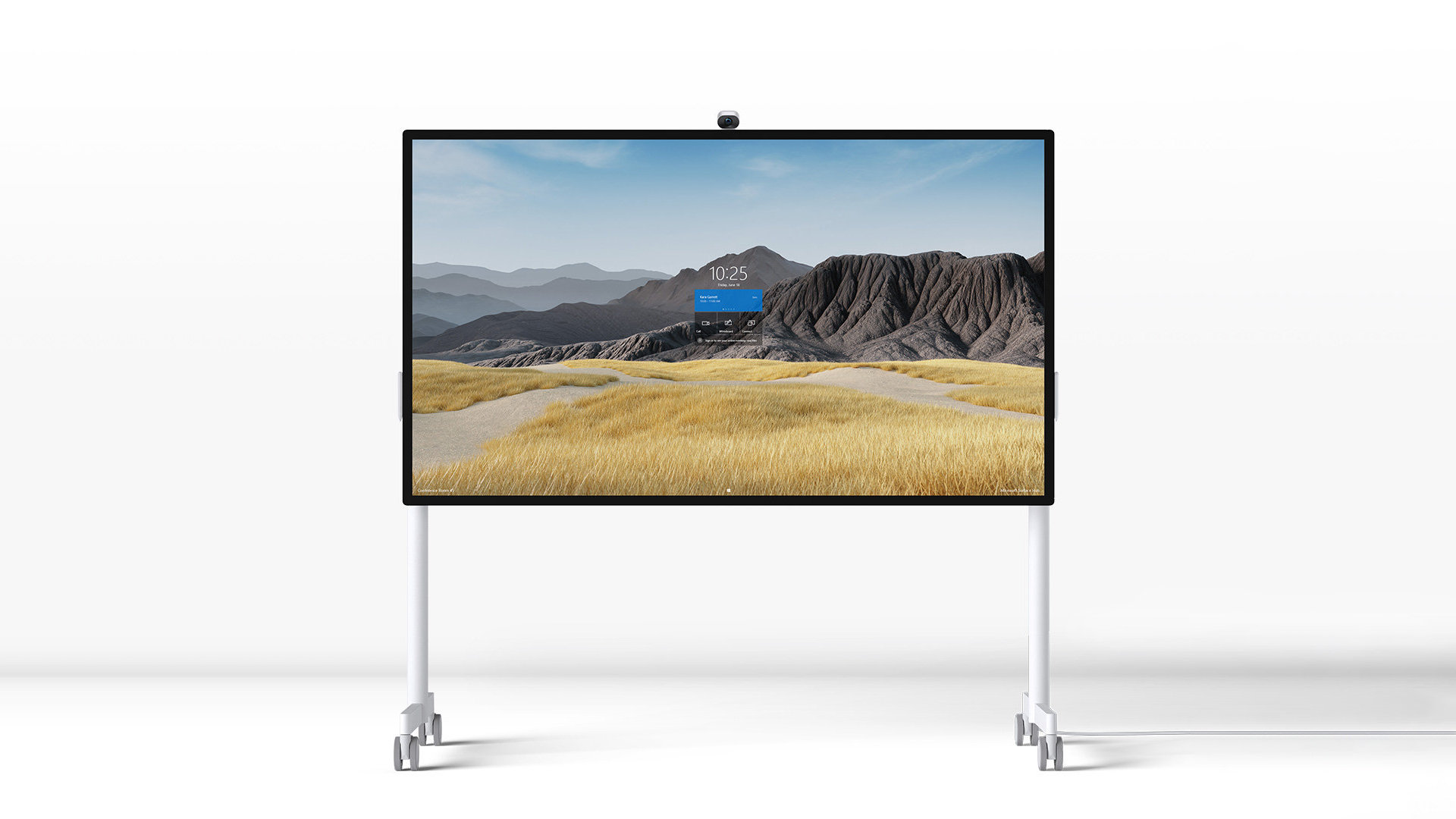
Start with evidence from each room: Hub size, serial number, compute cartridge, operating system, Teams Rooms application version, installed camera, pen and stand, room account, licence, network connection, management enrolment, physical condition and business criticality. Include current firmware and the date of the last successful update.
Identify devices still running Windows 10 Team. Because support ended in October 2025, these should not remain hidden inside a general meeting-room list. Record why migration has not occurred, what application or policy dependency blocks it and who owns the remediation date.
Inspect accessories separately. Microsoft's lifecycle table lists the original Surface Hub Camera and Surface Hub Pen for driver and firmware servicing through 11 January 2027, while the Surface Hub Smart Camera has a different date of 15 March 2028. A display refresh plan that ignores the camera, pen, mobile stand, mounting and room cabling can create avoidable gaps.
Option one: software-migrate Hub 2S to Teams Rooms on Windows
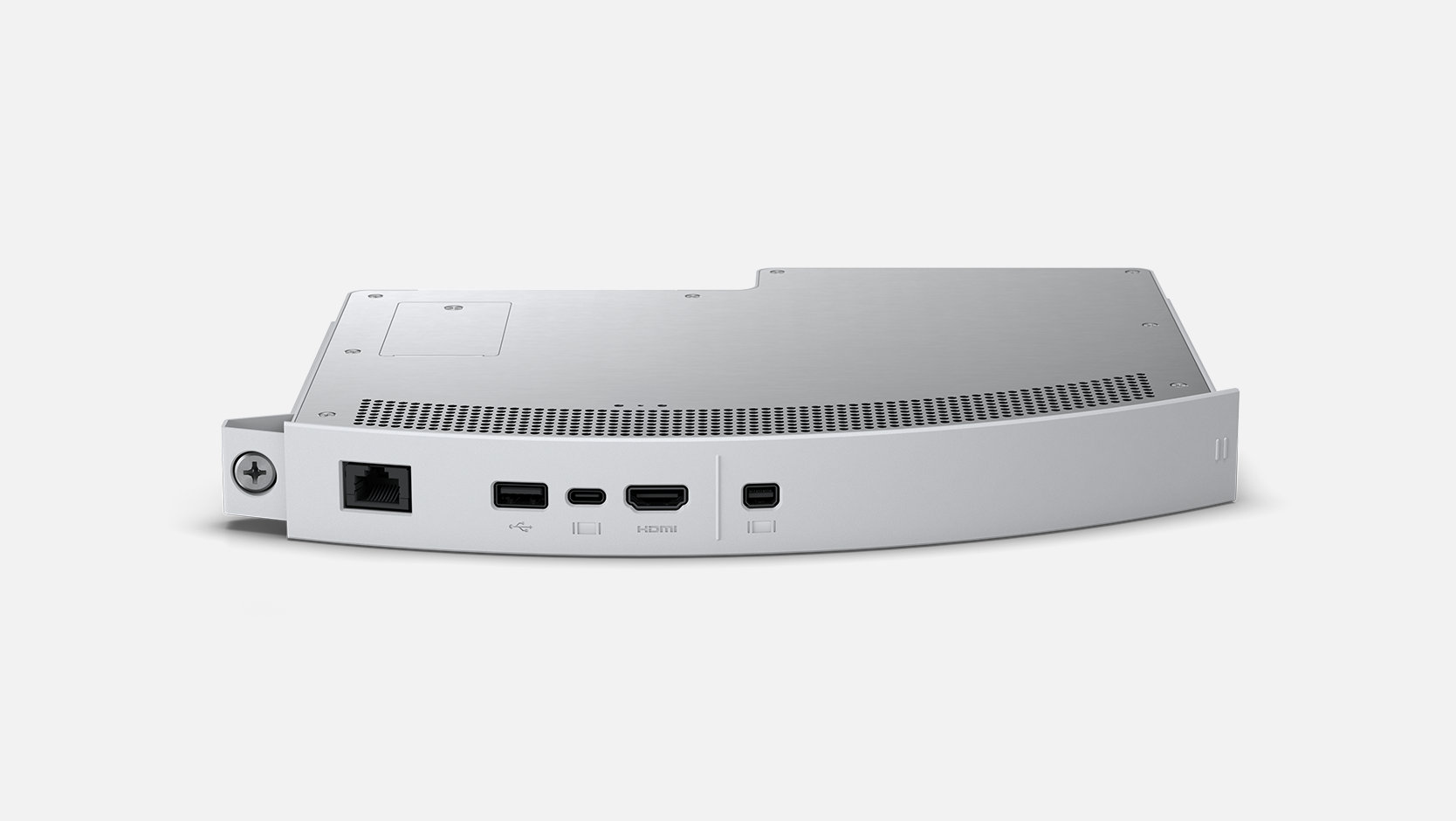
Microsoft supports software migration of eligible Surface Hub 2S devices to the Microsoft Teams Rooms on Windows platform. This can extend the useful life of existing hardware without replacing the compute cartridge, provided the device, room workflow and organisation's management standards are suitable.
Treat migration as a project, not a menu choice. Validate the room account, Teams Rooms licence, Windows 11 IoT Enterprise entitlement, Intune or other management approach, conditional access, proxy and firewall requirements, application policy, device naming and recovery method. Back up required configuration and document how the room will be restored if migration fails.
Run a pilot on representative devices. Test scheduled join, content sharing, touch and inking, camera and microphone operation, guest meetings, sign-in after restart, remote management, logs and any connected projector or peripheral. Confirm what changes for users and support staff before moving the larger fleet.
Option two: install the Surface Hub 3 Compute Cartridge
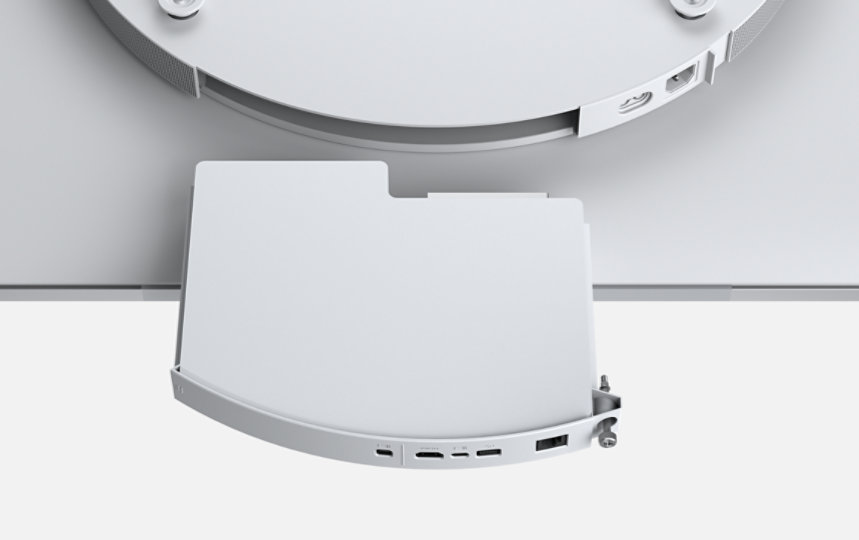
Microsoft describes the Surface Hub 3 Compute Cartridge as an upgrade path for Surface Hub 2S. It brings the Hub 3 computing experience and Microsoft Teams Rooms on Windows to compatible existing displays. For a fleet with sound panels, mounting and accessories, this can be an alternative to replacing the complete unit.
Confirm device compatibility, cartridge supply, installation method, warranty, OS licensing and supported accessories before ordering. The upgrade is more than processor performance: it changes the platform baseline that IT must configure, secure, monitor and update. Capture the cartridge serial number and new software baseline in the asset record.
Compare total lifecycle cost with software migration and replacement. Include hardware, labour, room downtime, testing, licences, management, spares and the remaining physical life of the display and accessories. An older panel in poor condition may not justify a new compute module; a well-maintained fleet with consistent rooms may.
Option three: replace the room standard
Replacement is appropriate when the Hub no longer fits the collaboration workflow, physical condition is poor, support dates are too close to the required investment horizon, or the organisation needs a different room architecture. This does not automatically mean another all-in-one board; compare current touch boards, video bars with displays and Windows-based room systems against the room's actual work.
Review viewing distance, touch use, camera position, microphone coverage, content sharing, accessibility, mounting, network readiness and support model. If whiteboarding is rarely used, an integrated touch display may not be the best value. If co-creation is central, test how ink and shared content appear to remote participants.
Sinoway's practical guide to all-in-one collaboration boards in Shanghai provides a room-led evaluation framework. Keep the user journey consistent even if the technology standard changes.
Use Hub 3's later date as a planning horizon, not a guarantee
Microsoft's published driver and firmware end-of-servicing date for Surface Hub 3 is 30 December 2030. That gives a longer hardware servicing horizon than Hub 2S, but it does not guarantee every application feature, accessory, licence, cloud service or regional product supply until that date.
New Hub 3 devices and Hub 3 Compute Cartridges use the Microsoft Teams Rooms on Windows experience. Microsoft notes that a Teams Rooms licence is required and recommends Teams Rooms Pro for advanced management, conditional access and analytics. Validate current licensing rather than copying the assumptions from a Windows 10 Team deployment.
Maintain a lifecycle register with the official source URL, date checked, firmware status, OS and app support, accessory support, warranty, spare availability and target refresh year. Review it after major Microsoft announcements and at least during the annual budget cycle.
Plan management, security and recovery
Surface Hubs running Teams Rooms on Windows can be managed through the Teams admin center alongside tools such as Intune and other approved enterprise management systems. Define which tool owns configuration, compliance, updates, restart actions and incident evidence. Avoid conflicting policies or unclear admin roles.
Apply the organisation's security requirements to room accounts, local administrator access, UEFI, physical ports and device placement. Keep credentials out of handover documents and use role-based access. Coordinate conditional-access policy with the supported Teams Rooms design so security controls do not repeatedly break room sign-in.
Create a recovery runbook for failed updates, account problems, camera or touch faults, network isolation and replacement of the compute cartridge. Store known-good configuration and record who can access the room outside business hours. A managed room is one that can be restored predictably, not merely monitored.
Commission the chosen path with real meeting scenarios
For migration, cartridge upgrade or replacement, test the complete room. Verify calendar sync, one-touch join, camera framing, microphone pickup, loudspeaker clarity, touch, pen, whiteboarding, wired and wireless content, guest meetings, restart recovery and remote management. Include the room's real network and security policies.
Record software, firmware, drivers, licences, account configuration and connected peripherals at acceptance. Photograph mounting and cable routes, retain editable diagrams, and capture test evidence. Train users on the changed interface and train support staff on diagnostics and recovery.
A capable AV integrator in China can coordinate assessment, room testing and documentation for regional fleets, while each location still needs named IT owners, approved procurement and realistic local response. The goal is a supported meeting experience with a clear next lifecycle decision—not simply a successful upgrade screen.
A practical 90-day action plan
During the first 30 days, inventory every Hub, flag Windows 10 Team devices, confirm licences and check the official lifecycle pages. Select representative rooms for pilot testing and identify unsupported dependencies.
During days 31 to 60, pilot software migration, compute-cartridge upgrade or replacement as appropriate. Test user journeys, management, security and recovery. Compare measured results and total lifecycle cost rather than relying on model labels.
During days 61 to 90, approve the fleet path, schedule changes by room criticality, reserve spares, train support teams and update asset and budget records. Devices that cannot be migrated safely should receive an explicit replacement or retirement date.