
Start with a naming system that another technician can read
A label only helps when its meaning is predictable. Define the room identifier, rack identifier, equipment name, port reference and cable identifier before installation is complete. Use the same vocabulary on drawings, rack elevations, patching records and physical labels.
Keep the scheme proportional to the project. One meeting room may need a short room code and device sequence. A multi-floor workplace needs enough location detail to distinguish similar rooms and shared equipment. Avoid private abbreviations that exist only in one engineer's notebook.
An AV integrator in China can coordinate the labeling package with the client, design team and local installation record. The final convention should still be documented and accepted by the people who will operate and support the system.
Label the equipment and its functional role
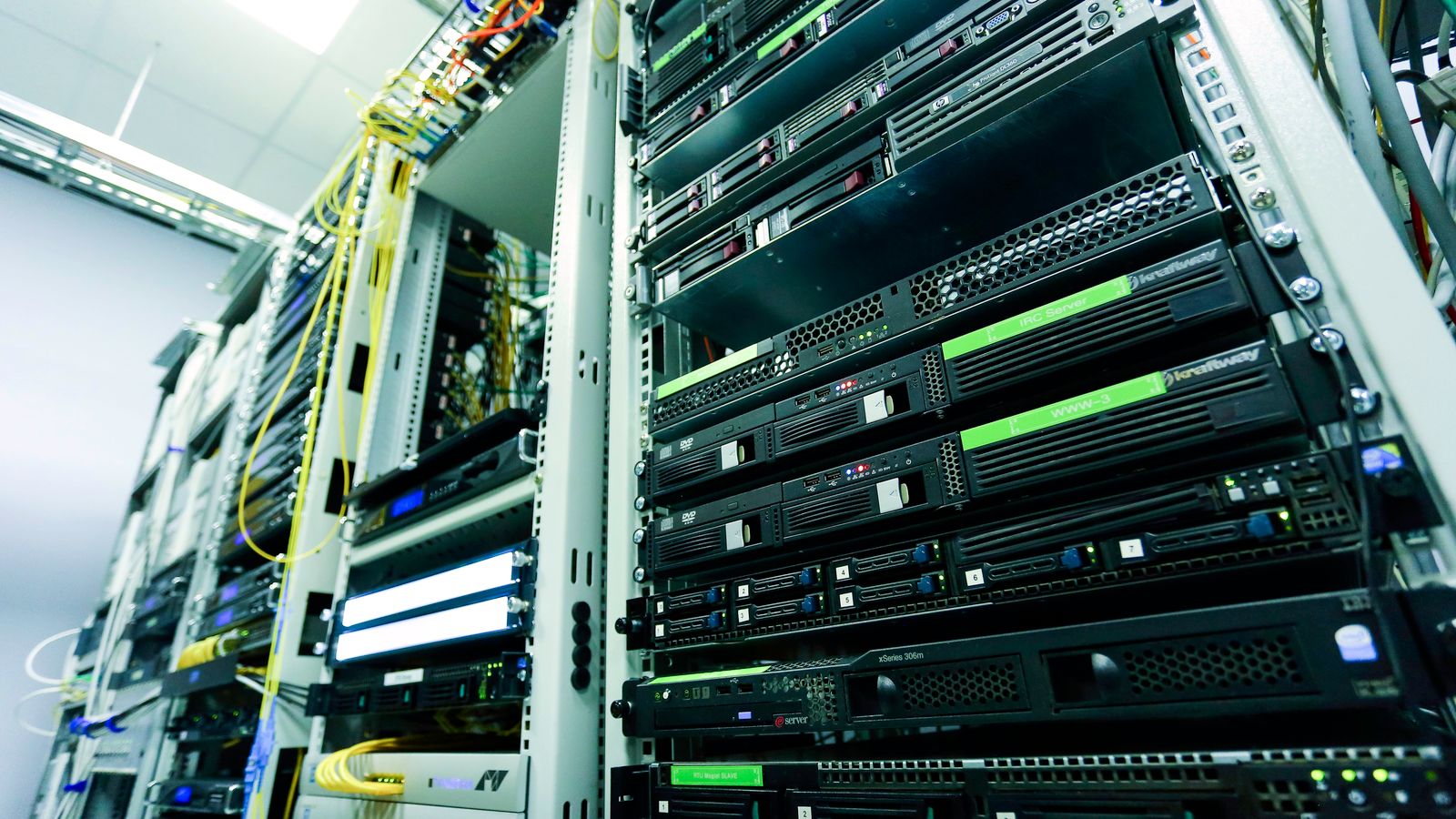
Give each installed device an identifier that maps to the rack elevation and asset record. The visible description should distinguish the device's role, not merely repeat a model name. Two identical units may serve different displays, zones or signal paths.
Record manufacturer, model, serial number where appropriate, rack position, power source, network context, and support owner in the handover record. Do not expose passwords, private keys or other credentials on a physical label. Store administrative access through the client's approved secure process.
Keep service clearance and ventilation visible. A label should not cover airflow, a warning, a serial plate needed for service, or a removable panel seam. Confirm that rack-door and cable-management movements do not damage the label.

Identify cables at the points where decisions are made
At minimum, a technician needs to know what a cable connects and how that connection appears in the documentation. Label both ends where the project standard requires it, and keep the identifier readable without disconnecting live equipment whenever practical.
Use durable materials suited to the cable surface and environment. A handwritten temporary tag can support installation, but it should not quietly become the final handover standard. Check adhesion, print legibility, abrasion resistance and placement after the cable is dressed.
AVIXA publishes a Cable Labeling for AV Systems standard that defines requirements for AV system cable labeling. Project teams should establish the applicable standard, contract requirements and client conventions rather than copying an isolated example from another site.

Make ports and patching traceable
Label patch panels, wall plates, floor boxes and relevant equipment ports so the identifier matches the schedule. A generic “HDMI” label may describe a connector but not its destination. The record should distinguish what the port serves and any approved user-facing name.
For network-connected AV, align the device record with the client's IT naming and address-management process. Document switch port, network role and required service context without publishing sensitive configuration. Note which team owns changes to VLANs, firewall rules or identity services.
Where a patch can be changed during normal operations, keep a current patching record and identify who may modify it. A perfectly labeled cable can still lead to confusion if the document shows a connection that was altered months earlier.

Link the labels to as-built documents
The completed rack elevation, signal-flow drawing, cable schedule and equipment list should use the identifiers visible on site. Resolve mismatches before handover. Do not expect the support team to translate between a design code, an installer nickname and a separate asset number.
Mark documents as as-built only after they reflect the installed condition. Record approved deviations, unused provision, spare ports and equipment substitutions. Add revision, date and responsible reviewer so a later technician can distinguish the current set from an earlier construction issue.
The meeting-room AV handover checklist provides a wider acceptance agenda. Labeling is one part of that package; functional verification, user guidance and issue ownership still need their own evidence.
Photograph the finished rack and field endpoints
Create a small photo set after final dressing and cleaning. Include a full-rack view, readable device and patching details, rear access where safe and permitted, and representative field endpoints. The photographs should help identify the installed condition without replacing the drawings.
Name photographs with the room, rack, view and date. Store them beside the current documentation rather than in an individual's message history. If a photograph contains addresses, serials or site details, handle it according to the client's information-security policy.
A wide room photograph can also help a remote support person connect the rack record to the physical space. It should show the actual room arrangement and major endpoints, not serve as proof that every function passed testing.
Verify labels during commissioning, not after the team leaves
Trace representative signal paths from source to destination using the label and document set. Confirm that identifiers are unique, readable and placed on the correct cable or device. Test any removable patch or service loop in the position a technician will actually encounter.
Include labeling discrepancies in the project issue list. Common faults include duplicated identifiers, swapped cable ends, labels hidden inside management, obsolete temporary tags and drawings that retained a design-stage name. Correct the physical and documented record together.
Verification should follow the project's agreed process. The article on meeting-room acoustics planning explains a similar principle: room conditions and system settings need evidence from the actual space, not assumptions carried forward from a drawing.
Create a controlled change record for support
After handover, define who updates labels and documents when equipment is moved, replaced or repatched. Record the date, reason, old state, new state and responsible person. A support change is not complete when the room works but the record is now wrong.
Keep superseded documents out of the ordinary support path while preserving them according to the client's record policy. The current set should be easy to find and clearly marked. If a temporary workaround is introduced, give it an owner and review date.
For Microsoft Teams Rooms and similar meeting-room platforms, the rack package should connect to the wider deployment record: room identity, compute and console, display, camera, microphones, speakers, network and account ownership. The Teams Rooms deployment checklist for China covers that broader coordination.
A practical handover checklist
Before acceptance, confirm the naming convention, equipment identifiers, cable labels, port labels, patching record, rack elevation, signal-flow drawing, equipment list, network ownership notes, final photographs, revision status and change-control owner.
Ask a technician who did not install the system to trace one source-to-display path and one microphone-to-conference path using only the delivered information. Their questions reveal ambiguous labels and missing relationships better than a visual inspection alone.
The finished package should let an authorized support person identify what is installed, where it connects, which team owns a dependency and which document is current. That is the practical test of an AV labeling system.